DaVinci Resolve workflow integration

TrackSync

Sync audio with video in DaVinci Resolve, without a subscription.

Align camera scratch audio to recorder tracks directly inside Resolve. No XML exports, no round trips, and a perpetual license that stays yours.

Native Resolve plugin No XML exports Perpetual license Apple Developer ID signed

No detours

Sync from the place you already edit.

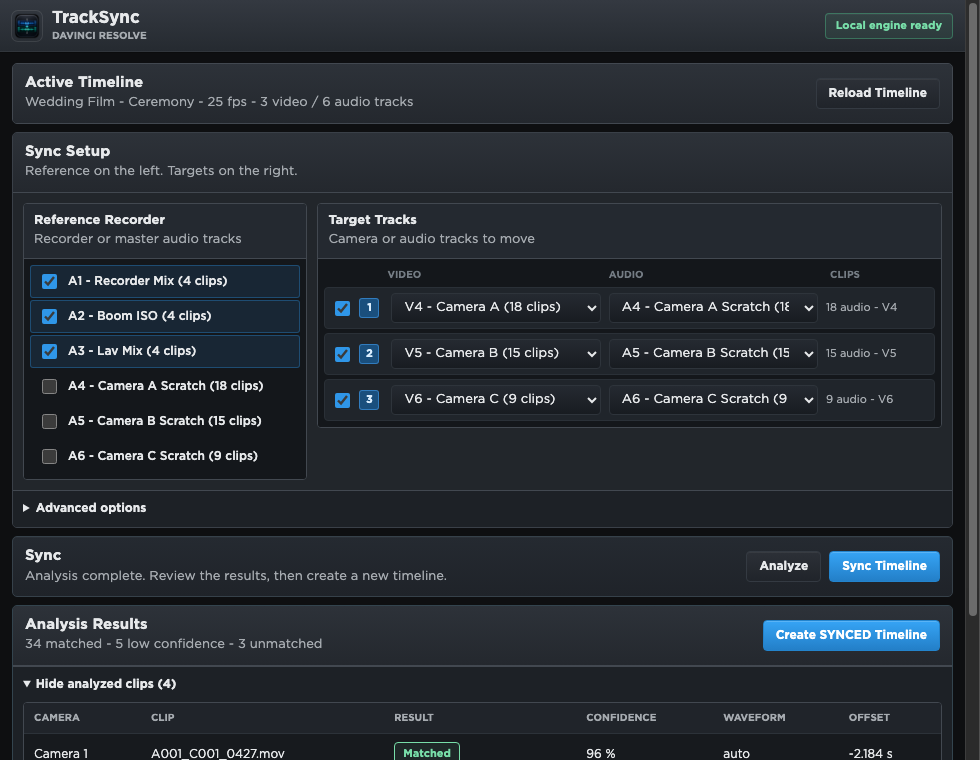
TrackSync runs as a DaVinci Resolve Workflow Integration. Open your timeline, choose recorder tracks as reference, select the camera tracks, and create a new synced timeline.

1 Load the active timeline

TrackSync reads the timeline currently open in Resolve.
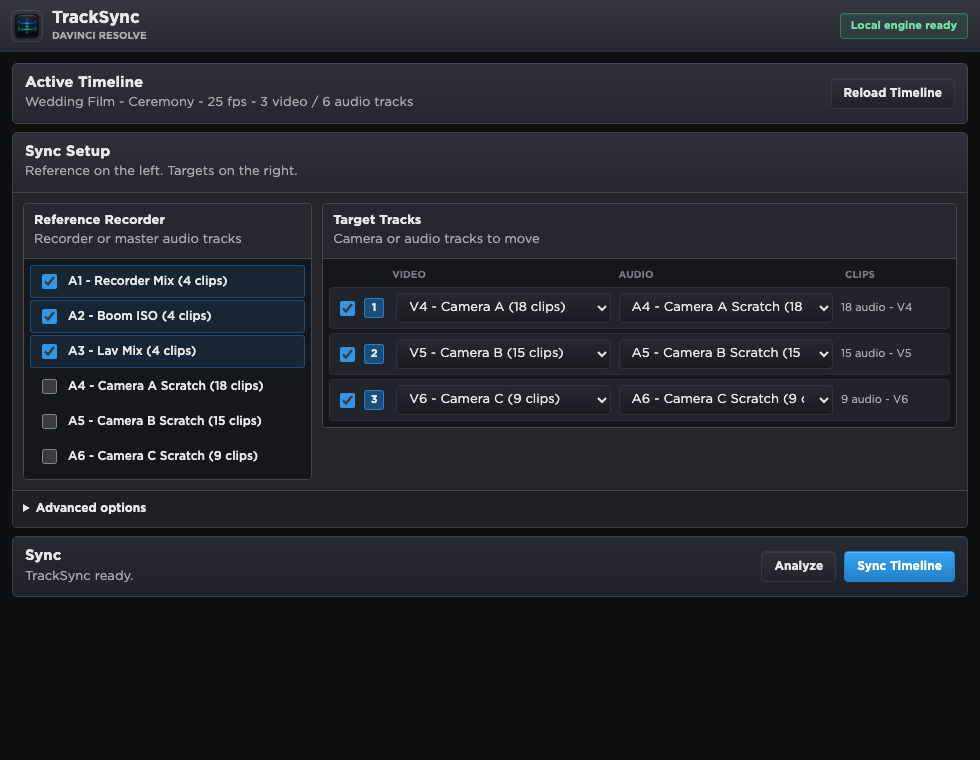
2 Pick recorder and camera tracks

Use one or multiple recorder tracks as a stronger sync reference.

3 Create a synced timeline

Your original edit stays untouched. The result is created as a new timeline.

Why TrackSync

Made for fast editorial cleanup, not export gymnastics.

Native Resolve support

Works through DaVinci Resolve's plugin workflow, directly with the active timeline.

No XML round trip

Skip exporting, importing, rebuilding timelines, and checking what changed on the way back.

Multiple recorder tracks

Mix recorder tracks into one strong reference so camera scratch audio can match the full room.

Timeline-safe behavior

TrackSync creates a new synced timeline and keeps uncertain matches visible with markers.

Local processing

Audio analysis runs on your Mac. Media, waveform cache, and project data are not uploaded.

Perpetual license

Pay once and keep using your purchased TrackSync version. No monthly plan attached to every edit.

Resolve-style UI

Feels like a tool that belongs in the edit suite.

TrackSync uses a compact dark interface shaped around timeline work: reference tracks, target cameras, analysis quality, and one clear sync action.

Perpetual license

Buy TrackSync once. The license is forever yours.

TrackSync DaVinci Resolve timeline alignment

€10.99 or $11.99

Perpetual macOS Apple Silicon license. Apple Developer ID signed. No subscription.

FAQ

Basic questions before you buy.

What is TrackSync?

A native DaVinci Resolve Workflow Integration that syncs camera scratch audio with separate recorder audio from your active timeline.

Do I need to export XML or AAF?

No. TrackSync works inside Resolve, so there is no XML, AAF, or FCPXML round trip just to sync audio with video.

Is it a subscription?

No. TrackSync is sold as a perpetual license for the purchased version. Buy it once, use that version without a monthly plan.

What does it require?

Apple Silicon Mac and DaVinci Resolve Studio 20.3 or newer.

Will it change my original timeline?

No. TrackSync creates a new timeline with a synced suffix, so the original stays intact.

Does it upload my media?

No. Audio analysis runs locally on your Mac. Media, waveform cache, and Resolve timeline data are not uploaded.

What if a clip does not sync cleanly?

TrackSync keeps weak matches visible instead of moving them blindly, so you can review low-confidence clips before using the synced timeline.

Is the installer signed?

Yes. The macOS build is signed with an Apple Developer ID certificate so macOS can verify the developer identity.